


Solution / Orders and stock
From Zalo chats to one order list
Orders arrive in chats, spreadsheets and sales tools. Here is how to bring them into one list without retyping.
Short answer: agree on one order list with fixed fields, then bring every source into it. Use a ready-made tool when your flow is standard. Connect your own systems when orders, stock and invoices live in different places and staff retype between them.
Problem
Orders come in through Zalo messages, spreadsheets and the sales tool. Staff copy them by hand into one place, mistakes slip in, and nobody is sure which list is current.
Approach
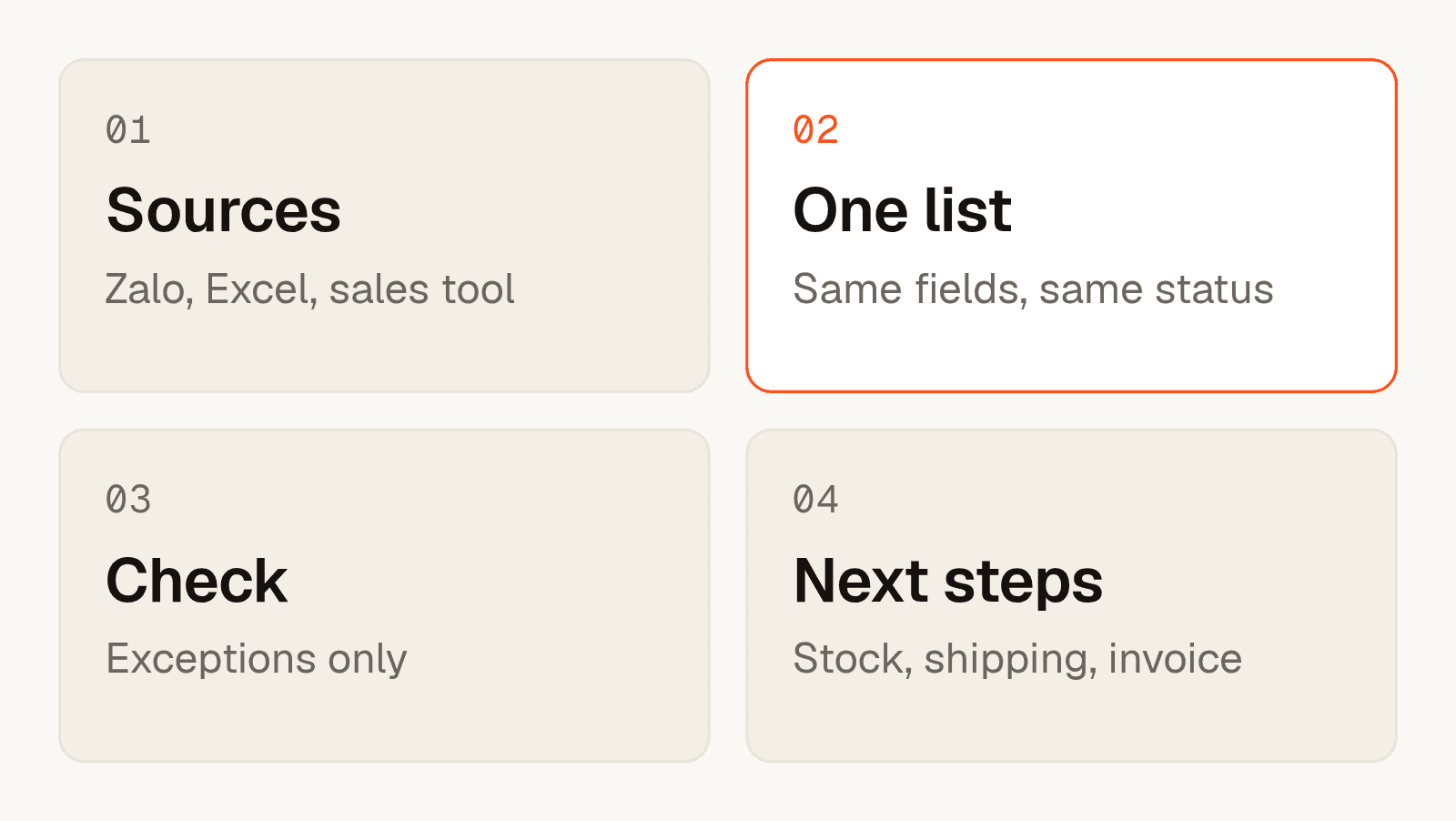
Define one order record with the same fields for every source. Read each source into it, mark anything unclear as an exception, and let a person confirm. Then pass confirmed orders to stock and invoicing.
Result
Staff spend their time on exceptions, not on retyping. There is a single list to trust, and every change has a history.
Start with the order record
Write down the fields every order needs. Customer, items, quantity, price rule, delivery address, channel and status are a common set. When every source fills the same fields, the rest of the work becomes simple.
When a ready-made tool is enough
Many sales tools already collect orders from several channels. If your products, prices and shipping fit their model, use them. It is the cheapest path and it needs no custom work.
When to connect your own systems
- Orders still need retyping between the sales tool, accounting and stock.
- Prices depend on rules the tool cannot express, such as customer tiers or quote validity.
- Customers still send orders as free text in chat, and someone has to read each one.
In these cases we build a thin layer that reads, checks and passes data between the tools you already use. See workflow automation and automation for distributors.
What to agree before we start
- Which sources count as official, and which are only a first contact.
- Who confirms an exception, and how fast.
- Which tool is the source of truth for stock.
- How you measure the time spent before and after.
Frequently asked questions
Can Zalo messages become orders automatically?
Partly. Structured messages can be read directly. Free text is read, checked and shown to a person for confirmation before it becomes an order.
Do I have to replace my sales tool?
No. We connect to the tools you already use, such as Haravan, MISA or KiotViet, and leave them in place.
When is a ready-made tool better than custom work?
When your products, prices and shipping fit its model. We will say so if that is the case.
How do you handle mistakes in an order?
Unclear orders become exceptions. A person confirms them, and every change is logged.
How do we measure the result?
We measure the time staff spend on orders before and after, and share the numbers with you.
Where do I start?
Write one page of your current flow. The one-page scope guide shows what to include.