


Solution / Quoting
Replace the quote spreadsheet: what a quoting tool needs
A list of what a quoting tool must do, so you can choose or commission one with clear eyes.
Short answer: a quoting tool needs a clear price model, support for every currency you sell in, a validity date, an approval step, a history of changes, and a way to hand an accepted quote to the next step. Write these down before you compare tools or commission one.
Problem
Each quote is rebuilt by hand in a spreadsheet. Prices are copied from older files, currencies are converted manually, and two people can send two different numbers for the same request.
Approach
Move the price model into one place. Items, options and supplier prices live in a catalogue, price rules are written once, and each quote is assembled from them. A person reviews and sends, and the history is kept.
Result
Quotes follow the same rules every time, a customer always receives the current version, and staff spend their time on the customer rather than the spreadsheet.
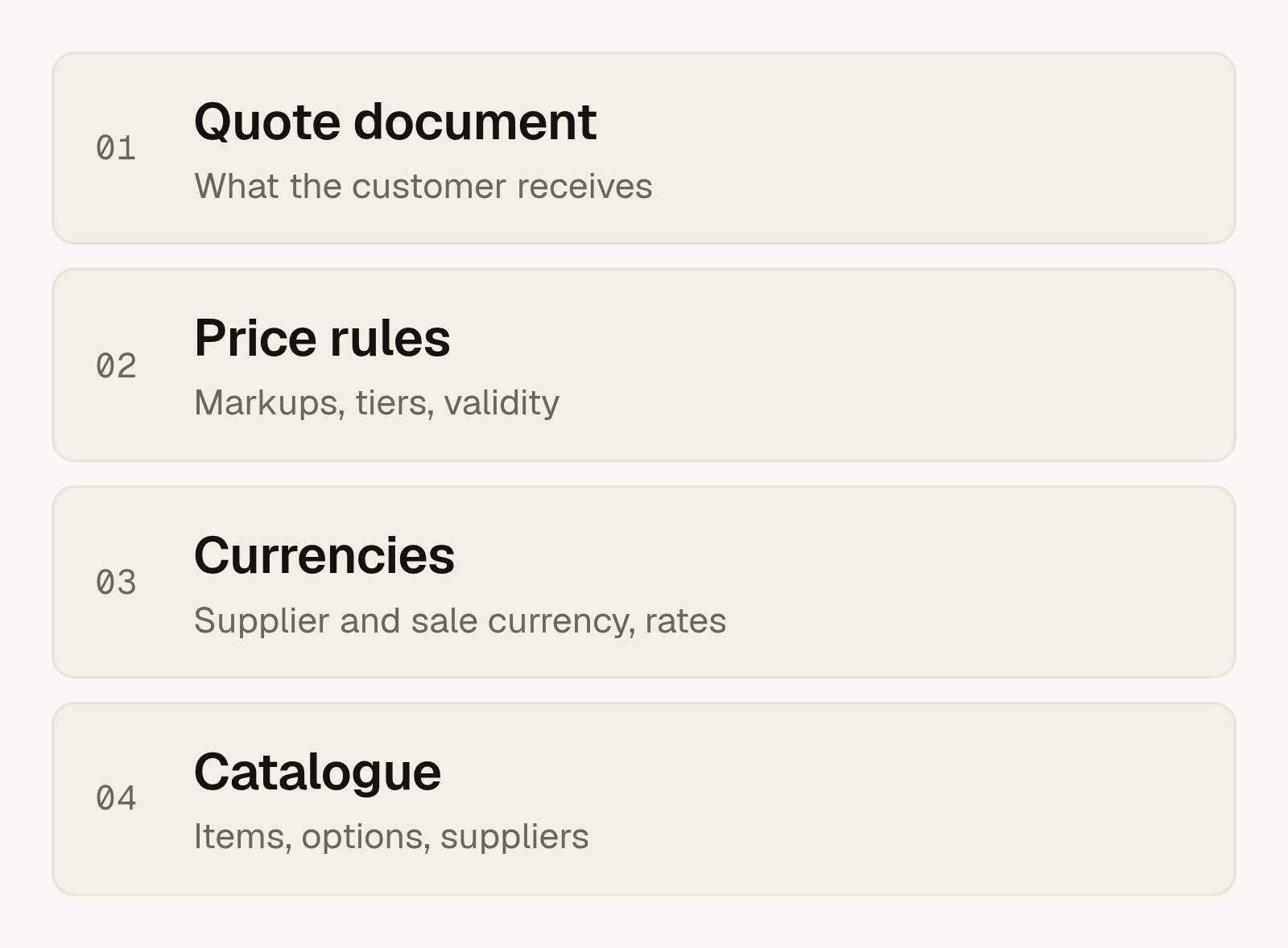
What the tool needs to cover
- A catalogue. Items, options and supplier prices in one place, with an owner for updates.
- Price rules. Markups, tiers, seasonal changes and discounts written as rules, not as notes.
- Several currencies. The supplier may charge in one currency and you may sell in another. Decide which rate you use and when it is fixed.
- Validity. Every quote has an end date, and the tool warns when it passes.
- Approval. Large or unusual quotes wait for a person before they go out.
- History. Who changed what, and which version the customer saw.
What happens after the customer says yes
An accepted quote should become the start of the next step without retyping. That can be a booking, an order or an invoice. If the quote and the next step live in different tools, connect them.
For a real example of this kind of project, see how Maika moved private-tour quotes out of spreadsheets.
Buy, configure or build
If your quotes are simple, a ready-made tool is the quickest start. If your pricing has many rules, or the quote must connect to your own systems, a custom tool saves more over time. Write your price rules on one page first. The one-page scope guide can help.
Frequently asked questions
What should a quoting tool do?
Keep a catalogue, apply price rules, handle currencies, set a validity date, support approval and keep history. A hand-off to the next step is the part most often missing.
How do multiple currencies work in a quote?
You choose the currency of the supplier price and the currency of the sale, and a rule for the rate. Many teams fix the rate at the time of quoting.
Can I keep using spreadsheets for some things?
Yes. Spreadsheets are fine for analysis. The problem is using them as the place where quotes are built and stored.
Is a custom quoting tool worth it?
It is when pricing has many rules or the quote must connect to your own systems. Otherwise start with a ready-made tool.
Who maintains the prices afterwards?
You decide an owner at the start. The tool should make it easy for that person to update items without help from an engineer.
Where do I begin?
Take one real quote and write down every step. See automation for service firms or start an Operations Review.