


Engineering notes / Storefronts
What we check first when a storefront shifts and mobile checkout is slow
Two common problems on busy launch days, and the order in which we look for the cause.
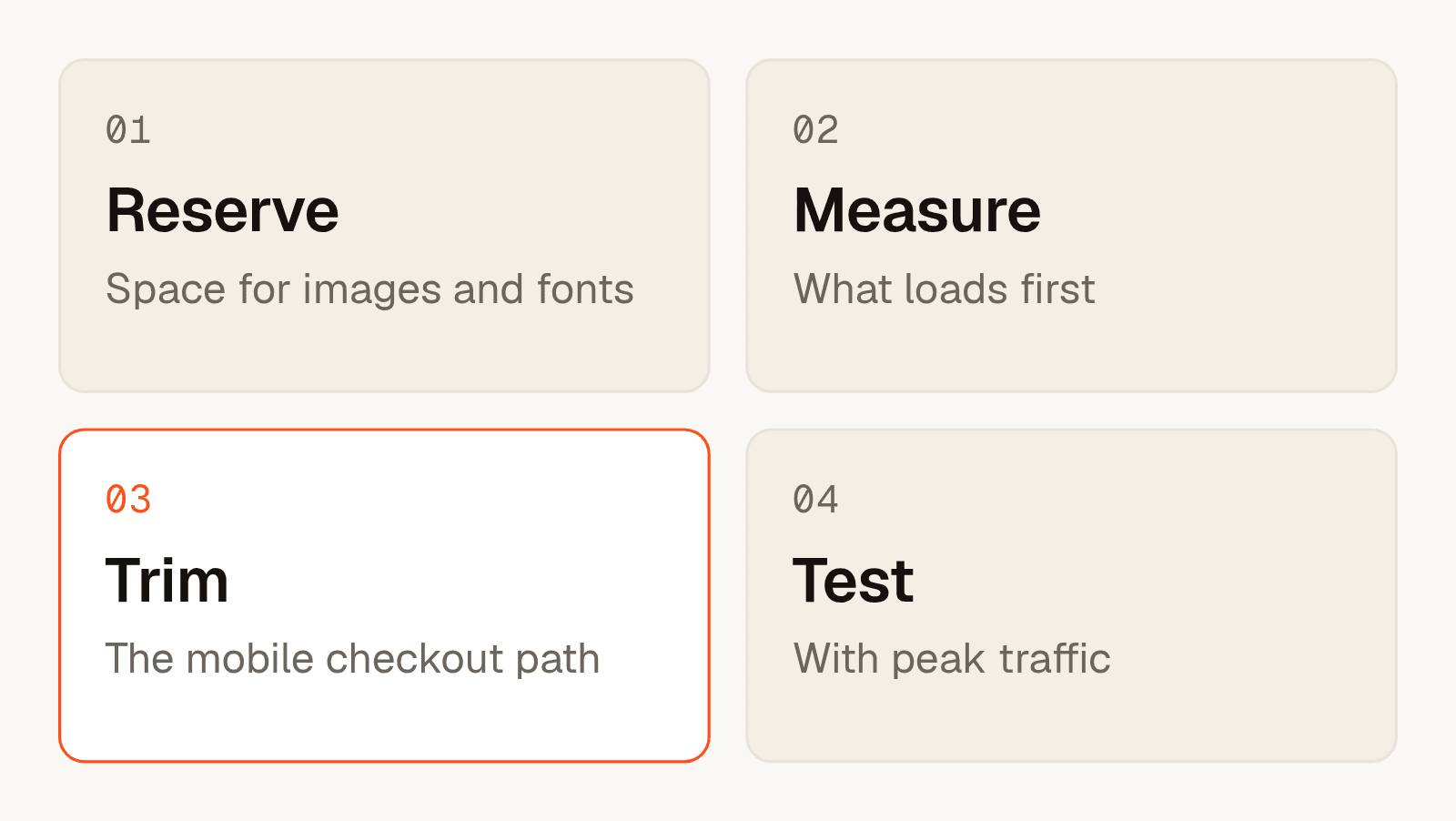
Short answer: start with the layout, then the first load, then the checkout path on a phone. Reserve space for every image, font and banner. Measure what the page loads first. Remove steps and scripts from the mobile checkout. Then test with the traffic you expect on launch day.
These notes are general. For a real project with this shape, see Hum, a fashion storefront.
Step 1: reserve space
A layout shift happens when something arrives late and pushes other content down. Give every image a width and a height. Give banners and embedded blocks a fixed area. Load fonts in a way that does not change the size of the text when they arrive.
Step 2: measure the first load
Open the page on a phone with a slow connection and watch what appears first. If a large image or a script blocks the rest, that is your first fix. Measure again after each change, so you know what helped.
Step 3: trim the mobile checkout
- Count the screens and fields between the cart and the confirmation. Remove what you can.
- List every script that runs on the checkout. Keep only what the checkout needs.
- Make buttons and fields easy to tap with a thumb.
Step 4: test with peak traffic
Sales that gather around launches mean the busiest minutes decide the result. Prepare campaign and launch pages in advance, keep them light, and rehearse the launch with realistic traffic before the day.
If you want a second pair of eyes, we offer a system health check. The article on fixing or rewriting a slow system explains how we decide what comes next.
Frequently asked questions
What causes layout shift in an online store?
Content that arrives without reserved space, such as images without sizes, late fonts and banners that appear after the page loads.
How do I fix a slow mobile checkout?
Shorten the path, remove scripts the checkout does not need, and make each step easy to complete on a phone.
Why does the checkout slow down at peak traffic?
Many people use the same pages and services at once. A longer path and heavier pages feel the pressure first.
Do I need to change my e-commerce platform?
Often not. Many problems sit in the theme and in the scripts added to it, which you can change on the platform you have.
When should I test before a launch?
Early enough to fix what you find. We suggest a rehearsal with realistic traffic well before the day.
Where can I get a second opinion?
Start with a system health check or write to us through the contact page.